

Screen printing
StencilScout
Catch artwork errors before burning screens.
An offline batch artwork inspector for independent screen-printing shops. StencilScout flags raster artwork that needs a second look before separations, film or screen exposure.
- Status
- In development · coming to Gumroad
- Price
- To be announced
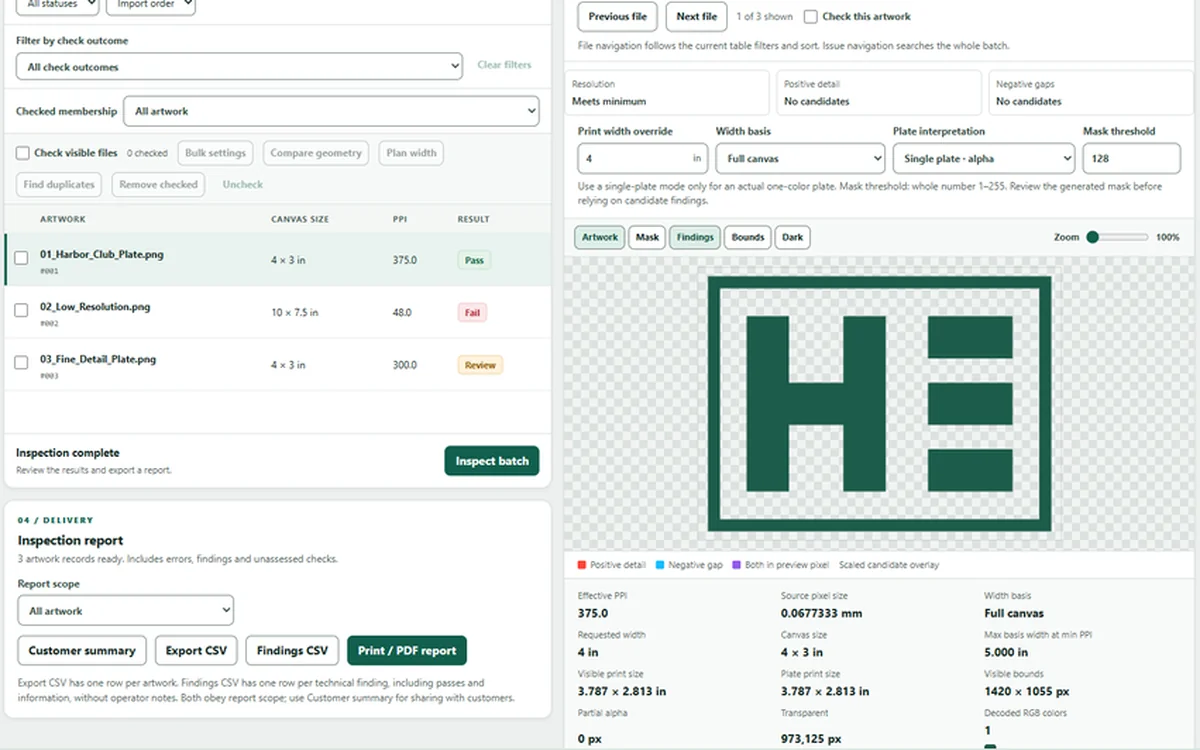
Workflow
How it works
- 01
Import
Drop in PNG, JPEG, WebP or TIFF artwork, or start with the built-in sample files.
- 02
Set shop limits
Enter the print width and your shop’s minimums: print area, mesh and halftone planning.
- 03
Inspect the batch
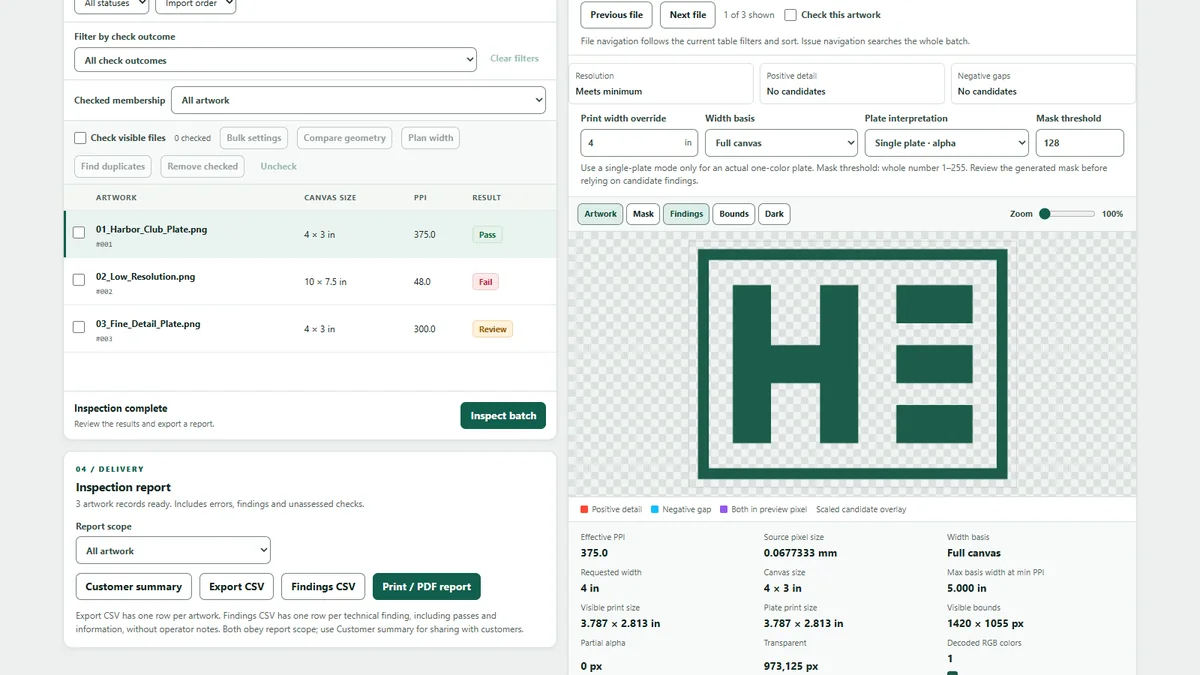
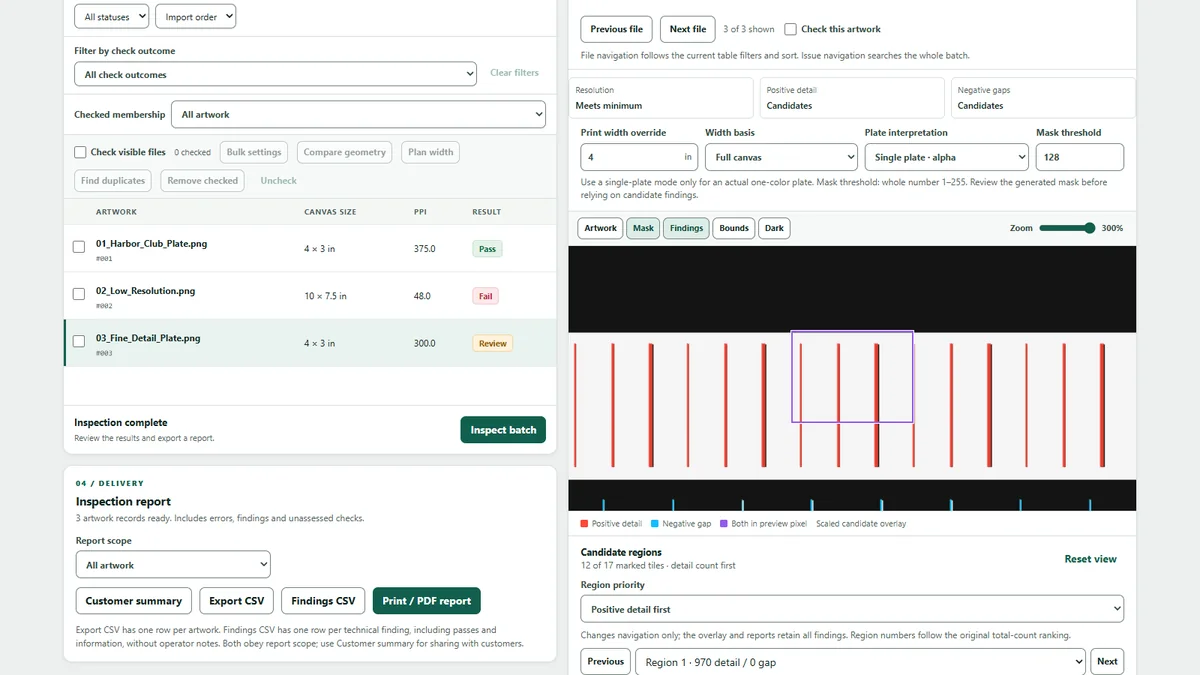
See actual-size PPI, fine-detail and gap findings for every file, with an overlay that shows exactly where.
- 04
Hand off
Export a printable report, CSV findings, or a plain-language correction summary for the customer.
Screens
A closer look
Requirements
What you need
- Windows with Microsoft Edge
- No installation, account or internet connection
- PNG, JPEG, WebP and TIFF artwork up to 24 megapixels
Scope
What it doesn’t do
Checks are advisory. StencilScout points out artwork worth reviewing; it does not approve artwork for print or replace a test exposure.